Carrier OrionOS
Dispatch, drivers, compliance, maintenance, ELD context, billing, LMS, support, and documents stay connected in one carrier workspace instead of separate fleet tools.
 Orion Transportation
OrionOS
Orion Transportation
OrionOS
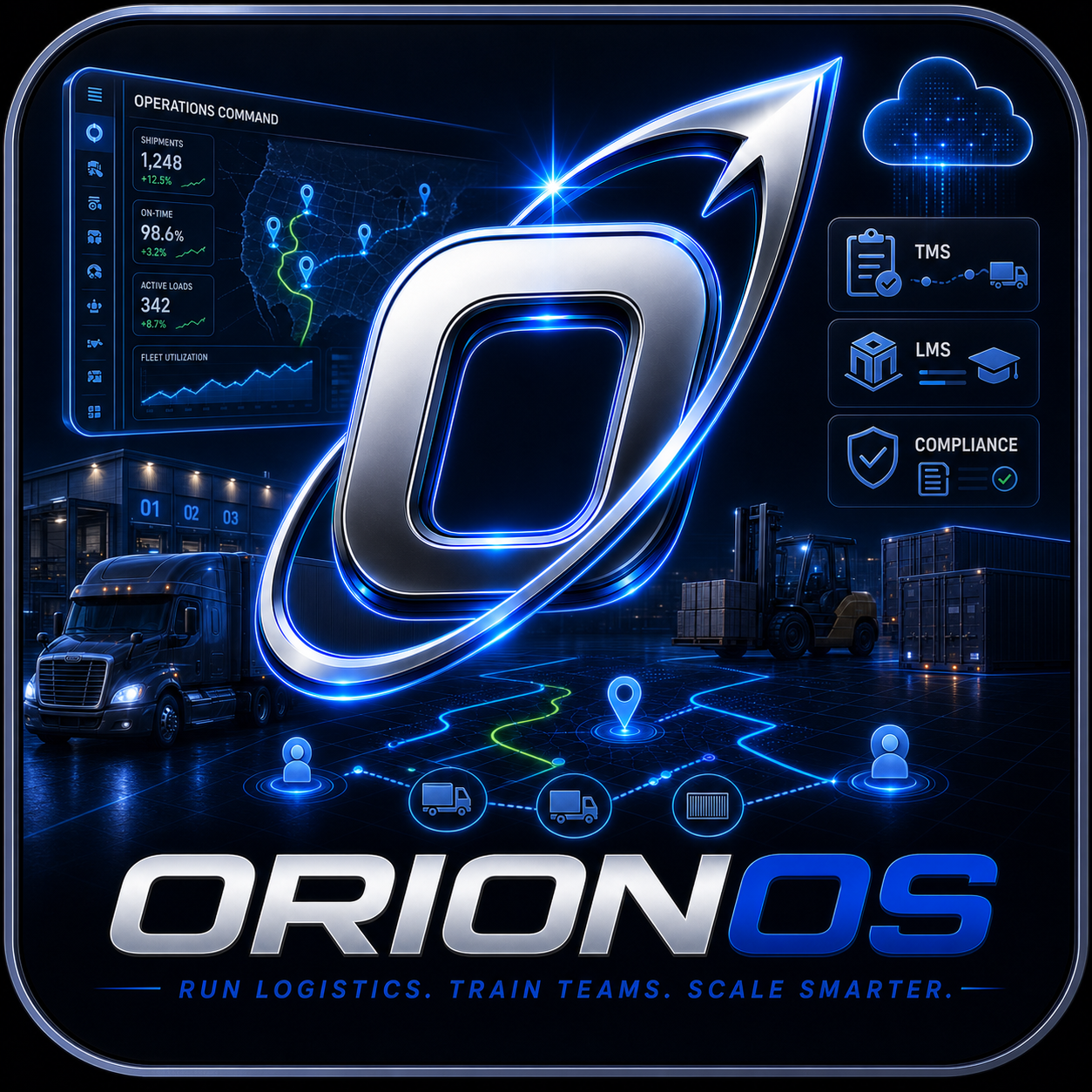
OrionOS replaces the daily shuffle between separate TMS screens, load boards, ELD portals, spreadsheets, document folders, training sites, weather tools, billing apps, and support inboxes. Your team works from one connected operating system where every load, user, file, invoice, ticket, course, alert, and customer update stays tied to the same workflow.
Every plan starts with paid OrionOS access, then unlocks the right command center for your company. Carriers get dispatch, drivers, ELD, compliance, maintenance, LMS, finance, and documents together. Shippers get quote requests, shipment visibility, inventory, dock work, vendor records, billing, and support in one place. Brokers get CRM, quote-to-load, carrier vetting, load board publishing, tracking, documents, margin, finance, and customer follow-up without bouncing between systems.
Dispatch, drivers, compliance, maintenance, ELD context, billing, LMS, support, and documents stay connected in one carrier workspace instead of separate fleet tools.
CRM, claimed shippers, quotes, carrier books, preferred carriers, load board work, tracking, margin, documents, support, and follow-ups stay together in one broker workspace.
Shipment requests, vendor and carrier collaboration, inventory context, dock work, tracking, documents, claims, billing, LMS, and support stay connected from order to proof.
Start with the carrier, broker, or shipper workspace that fits your operation.
Connect freight, users, training, files, finance, support, alerts, and integrations to the same account.
Admins assign roles so every user sees the right tools without switching systems.
Activate intelligence products for more automation, visibility, safety, and command support.
Pick Carrier, Broker, or Shipper first, then compare the four tiers for that portal. This keeps the purchase path clean while still giving each customer a detailed explanation of what they receive before they open monthly or annual checkout.
The clean OrionOS starting point for getting freight, users, training, documents, billing, and support into one place.
Carrier Launch brings the fleet into OrionOS with dispatch basics, driver/user records, shipment status, documents, LMS access, billing foundations, and support tickets in one carrier workspace.
More workflows, books of business, follow-ups, load board/vendor collaboration, and integration readiness for expanding teams.
Carrier Growth adds stronger dispatch operations, ELD/compliance context, maintenance visibility, CRM/account records, load board readiness, follow-ups, and integration preparation for expanding fleets.
The complete OrionOS operating workspace for teams that want TMS, LMS, finance, documents, support, intelligence, and controls together.
Carrier Pro is the full carrier TMS/LMS workspace: dispatch, drivers, ELD, compliance, load board, maintenance, finance, documents, support, intelligence, and API hub together. Enterprise governance remains reserved for Command.
Enterprise controls, command visibility, governance, security, integrations, and priority operations for larger or more complex customers.
Carrier Command adds enterprise governance, command-center visibility, advanced security, integration deployment planning, priority support, readiness review, and service health visibility for larger fleets.
The clean OrionOS starting point for getting freight, users, training, documents, billing, and support into one place.
Broker Launch gives broker teams a clean OrionOS starting point for CRM records, shipper notes, quote/load status, basic carrier records, documents, billing foundations, LMS, and support tickets.
More workflows, books of business, follow-ups, load board/vendor collaboration, and integration readiness for expanding teams.
Broker Growth adds book-of-business workflows, claimed shippers, contacted status, follow-ups, preferred carrier books, load board readiness, AP/AR context, and integration preparation.
The complete OrionOS operating workspace for teams that want TMS, LMS, finance, documents, support, intelligence, and controls together.
Broker Pro is the full broker/3PL OrionOS workspace: CRM, quote-to-load, carrier vetting, preferred carriers, load board publishing, tracking, documents, margin, finance, LMS, and support together.
Enterprise controls, command visibility, governance, security, integrations, and priority operations for larger or more complex customers.
Broker Command adds enterprise account governance, manager command views, advanced security, integration deployment planning, priority support, readiness review, and service health visibility for larger brokerages.
The clean OrionOS starting point for getting freight, users, training, documents, billing, and support into one place.
Shipper Launch gives freight teams one OrionOS workspace for shipment requests, status visibility, inventory context, documents, billing foundations, LMS, and support tickets.
More workflows, vendor and carrier collaboration, follow-ups, and integration readiness for expanding teams.
Shipper Growth adds vendor and carrier collaboration, quote intake, dock and appointment readiness, stronger inventory context, follow-ups, billing workflows, and integration preparation.
The complete OrionOS operating workspace for teams that want TMS, LMS, finance, documents, support, intelligence, and controls together.
Shipper Pro is the full shipper command center: tenders, shipment visibility, inventory, dock workflows, vendor records, carrier/broker collaboration, LMS, finance, claims, support, and intelligence together.
Enterprise controls, command visibility, governance, security, integrations, and priority operations for larger or more complex customers.
Shipper Command adds enterprise controls, command visibility across locations and vendors, advanced security, integration deployment planning, priority support, readiness review, and service health visibility.
The paid command assistant for OrionOS.
Hey Orion gives each paid OrionOS client a voice and typed command layer that reads permitted loads, drivers, assets, documents, messages, invoices, training, weather, support, and connected systems. It answers with operational context, surfaces what needs attention, drafts next actions, and can create approved workflow actions without forcing the team to hunt through every workspace.
Use this when: Voice and typed command layer for dispatch, load review, LMS assignment, exception triage, and executive operations answers.
Search, verify, and defend every freight relationship.
BrokerLock separates official identity, authority, contact, equipment, pickup, delivery, loadboard, payment, and customer-supplied evidence so freight teams can make an explainable allow, review, or hold decision without treating missing facts as clear.
Use this when: Freight teams that need explainable partner and load-level identity decisions
FMCSA audit proximity intelligence for carriers.
AuditGuard compares FMCSA, SMS, ELD/HOS, DQ files, maintenance, LMS, crash and claim records, DataQs, insurance, and corrective actions so carriers know how close they are to audit exposure.
Use this when: FMCSA audit and intervention readiness monitor for carriers using credentialed source pulls, evidence reliability, BASIC-level engines, DataQs candidates, audit packets, and corrective action controls.
Cold-chain quality control without blind spots.
ColdVault connects reefer, freezer, refrigerator, airflow, door, profile, and quality hold signals into OrionOS so temperature-sensitive freight gets watched from booking to delivery.
Use this when: Reefer, freezer, refrigerator, and cold-storage intelligence for profile, door, airflow, and quality exceptions.
Door, seal, dwell, and custody intelligence.
DoorGuard watches door status, seal variance, facility dwell, appointment risk, geofence events, and custody exceptions so OrionOS shows teams where freight exposure is building.
Use this when: Door custody, seal intelligence, dwell, route, appointment, geofence, and cold-chain alerts.
Powered trailer telemetry wired into the TMS.
PowerLink turns powered trailer data into OrionOS workflows for ABS, power health, backup battery, reefer context, cargo condition, trailer location, and maintenance review.
Use this when: Powered trailer gateway for ABS, power, backup battery, location, reefer, cargo, and custody alerts.
Worker safety signals that reach the right team fast.
SafeTrace turns badges, phones, lone-worker check-ins, SOS events, fall/no-motion alerts, and responder routing into OrionOS safety workflows for yards, docks, shops, warehouses, and field teams.
Use this when: Worker safety command for badges, phones, lone workers, check-ins, sites, and responder workflows.
Scan freight once. Let OrionOS reconcile the rest.
ScanIQ adds inventory, BOL, POD, SKU, package, and delivery scan intelligence to OrionOS so teams catch mismatches, shortages, exceptions, and payment blockers earlier.
Use this when: Inventory, BOL, SKU, package, and proof-of-delivery scanning for mismatch and exception workflows.
Security for assets that are easy to lose sight of.
Sentinel gives OrionOS unpowered asset security with unauthorized movement, geofence breaches, low battery signals, and recovery packets for trailers, containers, and high-risk parked freight.
Use this when: Unpowered asset security with geofence, unauthorized movement, battery, and recovery packet workflows.
A private hazard mesh for fleet routes.
V2X gives OrionOS route risk intelligence for hazards, hard-brake chains, corridor stress, driver alerts, and safety mesh scoring before those risks hit service or claims.
Use this when: Private-first V2X command for fleet hazards, hard-brake chains, corridor risk, and safety mesh scoring.
Road, cargo, and driver evidence that turns into action.
Vision AI brings road risk, driver state, cargo condition, video evidence, and coaching moments into OrionOS so dispatch, safety, claims, and training teams act before small issues become expensive ones.
Use this when: AI camera command for road risk, driver state, cargo security, evidence, and coaching.
Use the checkout buttons on the selected tier or add-on to view the current monthly or annual option. After payment is recorded, OrionOS unlocks the correct portal, plan tier, roles, modules, training access, and paid product entitlements from the same account.
Already have OrionOS access? Open the client login page. Review an issued license in the License Center. Need enterprise review first? Open the Trust Center.